

How SSD Nodes Snapshots Work
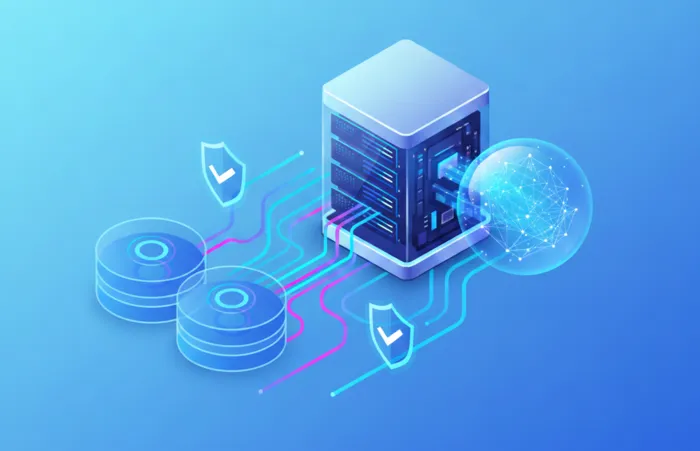 When you take a snapshot, you're creating a complete point-in-time copy of your entire VPS. Everything gets captured: the operating system, installed applications, configurations, databases, uploaded files, and all your data. It's like freezing your server in time so you can return to that exact state whenever needed.
Snapshots are stored on the same node where your VPS runs, positioned as close to the server's main disks as possible. This storage architecture ensures fast recovery when you need to restore your server.
SSD Nodes provides two snapshot types that serve different purposes:
Daily Snapshots run automatically every day and retain your last 7 snapshots in a rolling window. The system handles this completely on its own - no manual work required.
On-Demand Snapshots let you capture your server state whenever you choose, and these snapshots persist for your server's lifetime until you manually delete them. You can choose from three tiers: 3, 7, or 10 snapshots.
Combined, both snapshot types give you up to 17 total recovery points to choose from - 7 recent daily backups plus up to 10 strategic on-demand saves.
When you take a snapshot, you're creating a complete point-in-time copy of your entire VPS. Everything gets captured: the operating system, installed applications, configurations, databases, uploaded files, and all your data. It's like freezing your server in time so you can return to that exact state whenever needed.
Snapshots are stored on the same node where your VPS runs, positioned as close to the server's main disks as possible. This storage architecture ensures fast recovery when you need to restore your server.
SSD Nodes provides two snapshot types that serve different purposes:
Daily Snapshots run automatically every day and retain your last 7 snapshots in a rolling window. The system handles this completely on its own - no manual work required.
On-Demand Snapshots let you capture your server state whenever you choose, and these snapshots persist for your server's lifetime until you manually delete them. You can choose from three tiers: 3, 7, or 10 snapshots.
Combined, both snapshot types give you up to 17 total recovery points to choose from - 7 recent daily backups plus up to 10 strategic on-demand saves.
Why Snapshot Protection Is Worth It
Your 8GB VPS already saves you $1,476 over three years compared to DigitalOcean. With our 3-year commitment, you can add comprehensive snapshot protection (both daily and 10 on-demand) for roughly $31/year. That's about $2.60 per month for insurance against data loss, failed updates, and configuration disasters. Monthly plans offer similar protection starting from $2/month. Plus, thanks to SSD Nodes' lifetime price lock, your snapshot pricing stays fixed. No surprise increases down the road. Unless you upgrade to yearly or three year plans, in which case, your costs decrease and you save more.Use Case 1: Safe System Updates and Upgrades
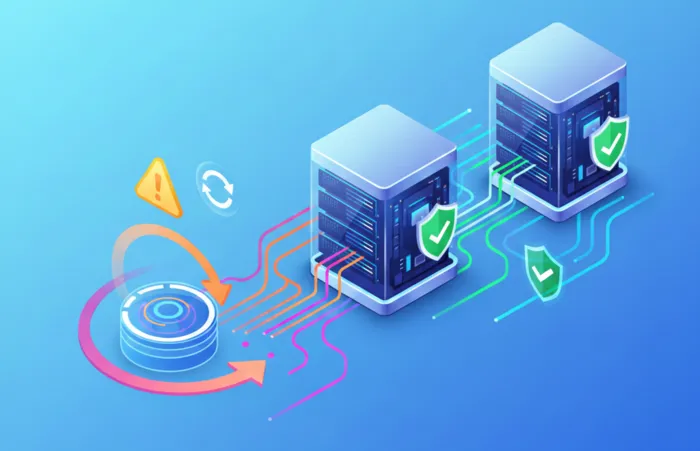 System updates are necessary but risky. Whether you're upgrading your operating system, updating critical packages, or applying security patches, there's always a chance something could break.
Take an on-demand snapshot before running that
System updates are necessary but risky. Whether you're upgrading your operating system, updating critical packages, or applying security patches, there's always a chance something could break.
Take an on-demand snapshot before running that apt upgrade or yum update command. If the update causes compatibility issues or breaks an application, you can restore your server to its pre-update state in minutes.
This is especially valuable for major version upgrades like moving from Ubuntu 22.04 to 24.04 or upgrading PHP from 7.4 to 8.3. A snapshot gives you an instant rollback option.
The safety net encourages you to keep your system updated. Many administrators delay critical updates because they're worried about breaking things. With snapshots, you can update confidently.
Use Case 2: Testing New Software and Configurations
Want to experiment with a new web server configuration, try a different database system, or implement a caching layer? Snapshots make experimentation risk-free. Take a snapshot before installing new software or making significant configuration changes. If the new setup doesn't work as expected or conflicts with existing applications, just restore your snapshot and you're back to your working configuration. This is particularly useful when evaluating multiple solutions. You can test each independently without worrying about leftover configurations. Try nginx, roll back, try Apache, roll back, compare results. For developers, this means you can mirror production and test how new features will behave in a real-world setting without risking your live server.Use Case 3: Firewall Configuration Safety
SSD Nodes'Continue reading this article
by subscribing to our newsletter.
Subscribe nowby subscribing to our newsletter.