

Looking for the best open-source Dropbox alternative? In this article, I will go through a detailed Seafile vs NextCloud vs Syncthing vs OwnCloud comparison to help you decide.
Dropbox is an extremely popular file-sharing platform that comes with a free plan, but its functionality is fairly limited and might not suit everyone's requirements. So, in this post, we'll be taking a look at the very best Dropbox alternatives out there and help you find the best option...
After all, one great way to get incredible value out of your cloud server is by self-hosting your own open-source Dropbox alternative for cloud storage and file-syncing.
Looking for a quick overview of all available options? Check out our comprehensive guide to the best Nextcloud alternatives for self-hosted storage.
Worth Noting
While Seafile and Syncthing each serve distinct purposes, NextCloud in my experience offers the most well-rounded solution, especially for those just starting their self-hosting journey. It combines Dropbox-like simplicity with powerful features you can grow into. If you're looking to host your own cloud storage, you'll be pleased to know NextCloud deploys instantly on our high-performance SSD and NVMe VPS servers, at a fraction of typical hosting costs. See our surprisingly affordable plans →
Open-Source Dropbox Alternatives
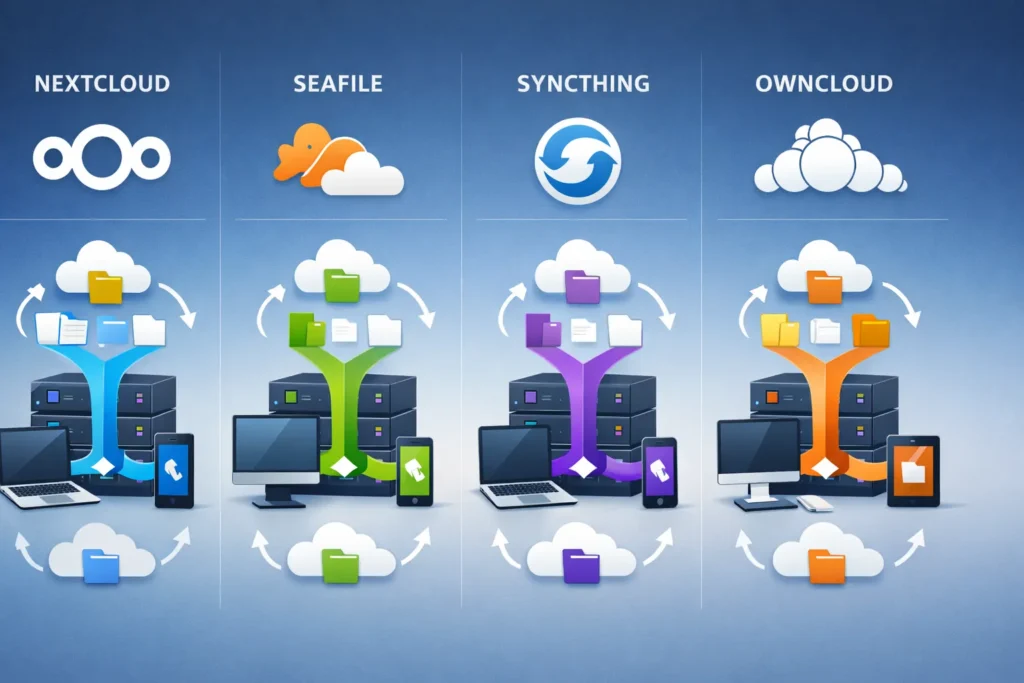
There are a lot of alternatives to Dropbox out there, each of them generally fits a specific use case best. However, three of the self-hosted open-source Dropbox alternatives stand out: NextCloud vs Seafile vs Syncthing vs OwnCloud.
Seafile vs. NextCloud vs. Syncthing vs. OwnCloud
In a nutshell, Syncthing is a decentralized file synchronization solution. Seafile is a focused and efficient option for file syncing and sharing. Nextcloud offers a broader range of features including collaboration tools and third-party integrations. OwnCloud is Nextcloud's predecessor, offering similar functionality with a more enterprise-focused, stable approach.
Seafile vs. Syncthing
Seafile provides centralized file syncing with more advanced file syncing and sharing features, while Syncthing offers decentralized file synchronization focused on peer-to-peer sharing without relying on a central server. So, if you need to sync your files on multiple servers and locations, go with Syncthing. On the other hand, go with Seafile for straightforward file syncing.
NextCloud vs. Seafile
Nextcloud offers a broader range of features including collaboration tools and integration options, whereas Seafile is more focused on efficient file syncing and sharing. In my experience, Seafile is better if you only require a direct file synchronization tool. On the other hand, go with NextCloud if you need third-party integrations such as email clients and Moodle.
NextCloud vs. OwnCloud
OwnCloud is actually where Nextcloud originated. Nextcloud was forked from OwnCloud in 2016. While they share similar codebases and features, they've evolved differently over the years. OwnCloud focuses on enterprise stability with a more conservative release cycle, while Nextcloud prioritizes rapid feature development and community-driven innovation.
In my experience, OwnCloud offers better stability for large enterprise deployments where proven reliability matters more than cutting-edge features. The release cycle is slower and more tested, which means fewer unexpected bugs but also slower adoption of new capabilities. OwnCloud also has stronger enterprise support options and a more mature approach to multi-tenancy.
Choose OwnCloud over Nextcloud if you're running an enterprise environment where stability and predictable updates are critical. Stick with Nextcloud if you want faster feature development, a more active community, and the latest integrations.
Detailed Comparison: Seafile vs. NextCloud vs. Syncthing vs. OwnCloud
All of these file-syncing Dropbox alternatives have features to access, sync, and share data across various devices. On top of that, each of them provides services like audio/video/text chat, or the calendar/contact/mail integration, and much more.
But before we dive deep into the features, it's important to note that Syncthing is a lightweight peer-to-peer synchronization solution. That means there's no central third-party server holding a copy of all your data. Syncthing synchronizes files directly between all the machines which need access to those files.
On the contrary, both NextCloud and Seafile need a centralized server (your VPS) to sync data with all your connected machines and devices.
That alone might be enough to swing you in one direction or another, but let’s get on with the features grid!
| NextCloud | Seafile | Syncthing | OwnCloud | |
|---|---|---|---|---|
| License | Open source | Open source/Enterprise License | Open source | Open source/Enterprise License |
| Large file support | Yes | Yes | Yes | Yes |
| Self-hosted | Yes | Yes | — | Yes |
| Server OS | Linux/Windows/MacOS | Linux/Windows | — | Linux/Windows |
| Docker Support | Yes | Yes | Yes | Yes |
| Language | PHP | C, Python | GO | PHP |
| Mobile Clients | iPhone/Android/Windows | iPhone/Android | Android | iPhone/Android |
| Desktop Clients | Mac/Windows/Linux | Mac/Windows/Linux | Mac/Windows/Linux | Mac/Windows/Linux |
| Single Sign-On | Yes | No | No | Yes |
| Sync local folder | Yes | Yes | Yes | Yes |
| LAN Synchronization | No | Yes | Yes | No |
| Multi-Tenant | No | Yes | No | Yes |
| File Versioning | Yes | Yes | Yes | Yes |
| Audio/Video/Text chat | Yes | No | No | No |
| Calendar/Contact/Mail integration | Yes | Calendar and Contact | No | Calendar and Contact |
| Active Directory Support | Yes | Yes | No | Yes |
| Online Office | Yes | In Seafile professional server | No | Yes (Enterprise edition) |
| File Locking | Yes | Yes | Yes | Yes |
| File Access Control | Yes | Yes | Yes | Yes |
| Centralized | Yes | Yes | No | Yes |
Licenses and Pricing
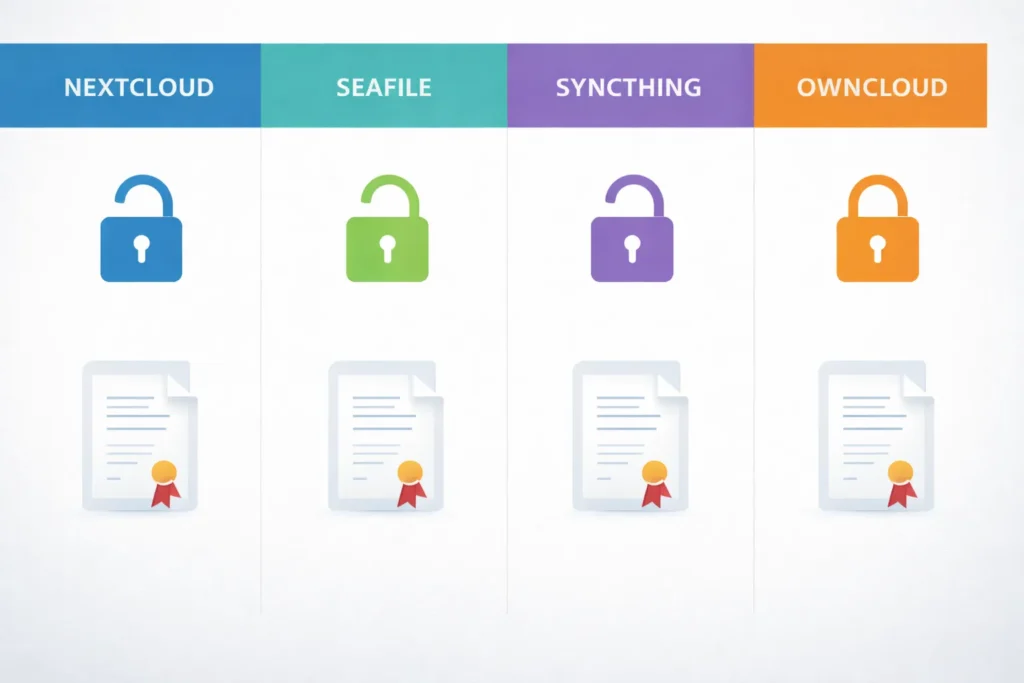
Nextcloud emerged as a fork of ownCloud in 2016. OwnCloud provides two versions: an open-source community edition and a proprietary enterprise edition designed for large organizations with enhanced capabilities. Nextcloud takes a different approach, maintaining a single open-source version released under the GNU AGPLv3 license, while offering paid enterprise support contracts separately.
Seafile offers two editions: a free community edition and a professional edition with additional features for enterprise environments. The developers release the community edition under the terms of the GNU Affero General Public License v3. Seafile releases its professional version under a proprietary license.
Syncthing has only one version, a free community edition released under the license GNU AGPLv3 initially, which they changed to MPL V2 (Mozilla Public License) at a later stage.
Docker-Based Installation
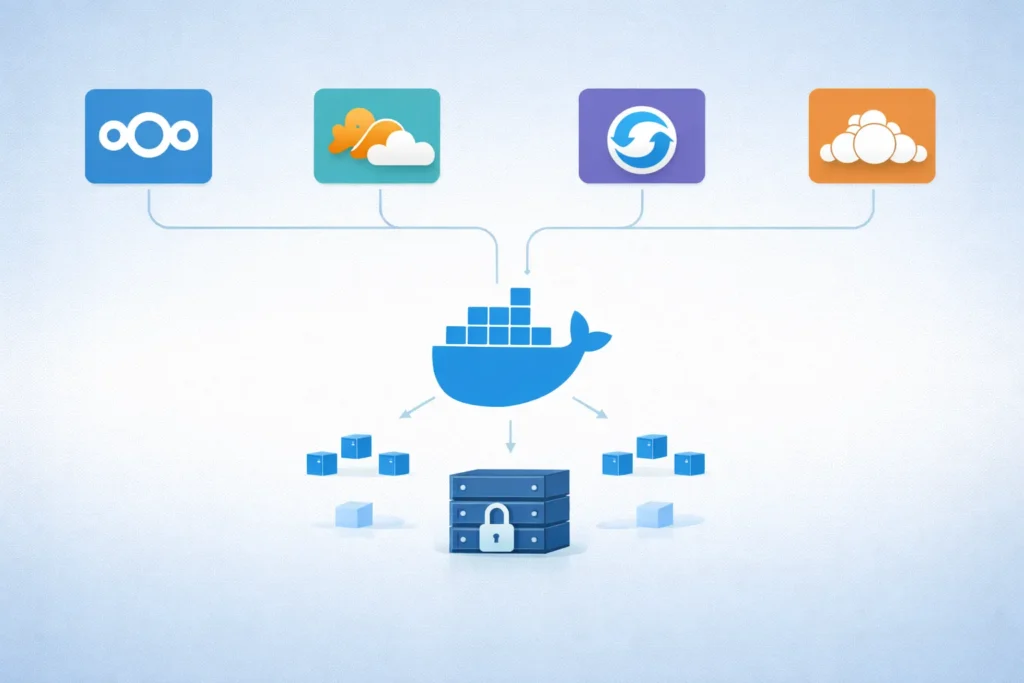
The convenience of deploying Docker-based applications have convinced many developers to adopt Dockerfiles and Docker images as a way of helping users install their software.
Using NextCloud's pre-built Docker image, you can get up and running within minutes. Seafile, Syncthing, and OwnCloud also support Docker-based setups, which means you can install any of these four Dropbox alternatives in your VPS environment quickly. OwnCloud's Docker deployment is particularly well-documented for enterprise environments.
Mobile Apps
A mobile sync client enables file and folder synchronization between your smartphone and server, ensuring you have current versions of your data regardless of location. For anyone seeking a comprehensive Dropbox alternative, mobile sync functionality is likely an essential requirement.
NextCloud offers mobile clients for both Android and iOS. Seafile offers mobile clients for iOS and Android and, Syncthing provides a mobile client for Android only.
Desktop App Support/Compatibility
Like mobile clients, you can sync files and folders from your desktop to the file sync server using the desktop clients offered by each of them.
All of them provide desktop clients for Windows, Linux, and Mac OS. So, we don’t find any significant differences regarding OS compatibility for desktops.
But, comparing Seafile vs NextCloud, Seafile has the edge since it offers drive and sync clients separately for desktop platforms. It also beats Syncthing in this department. Apart from desktop clients, Seafile also provides a terminal client on various Linux distributions to sync files and folders using a terminal.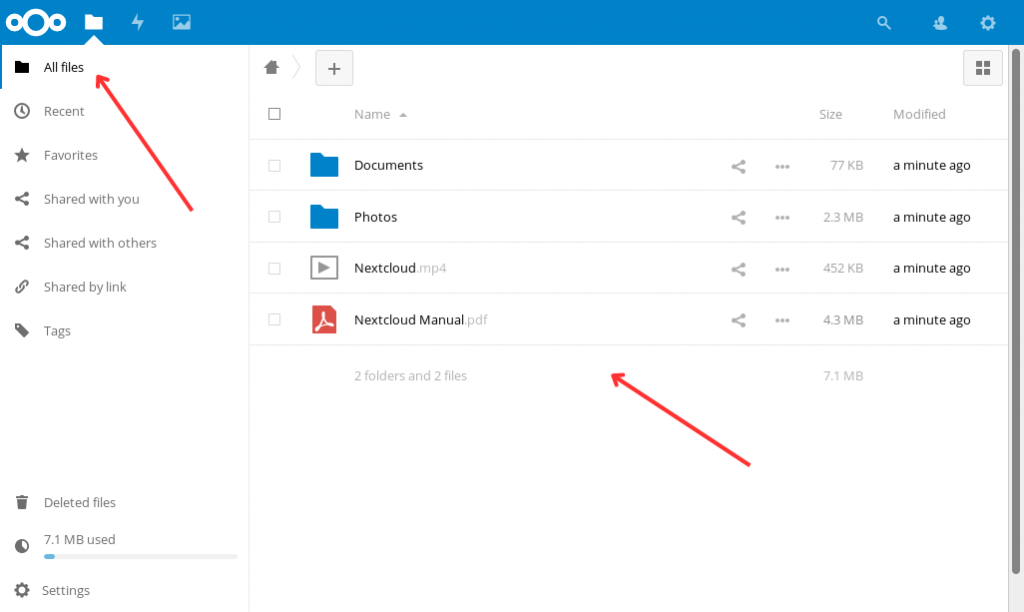
Security and Performance
Security concerns frequently motivate the search for open-source Dropbox alternatives. While Dropbox is a major corporation with sophisticated security infrastructure, you're ultimately entrusting your valuable and potentially sensitive data to a third-party company's control.
These solutions let you control your own data on your own server. So how do Seafile vs NextCloud vs Syncthing compare when it comes to keeping your data safe?
NextCloud offers robust security measures, including server-side storage encryption, client-side end-to-end encryption, and encrypted data transfer. NextCloud’s authentication scheme includes LDAP, SAML, Active Directory, Kerberos, and it all works out of the box.
Seafile also offers the same level of encryptions as found in NextCloud, but it does not deliver on features like LDAP and Active Directory.
Syncthing does not employ a traditional authentication mechanism through usernames and passwords but instead uses a certificate-based authentication scheme to determine its Device ID. Syncthing then shares this ID with all the other devices that you want to connect. Beyond that, TLS security/encryption encrypts all device-to-device communication. I’d argue that not needing a centralized server is a security benefit as well since there’s no centralized location to be attacked.
Syncthing's Go-based architecture provides a performance advantage compared to NextCloud and Seafile. NextCloud's web interface can exhibit sluggish performance on certain systems, particularly ARM devices or lower-spec hardware. While I haven't conducted formal benchmarks across these platforms, my experience shows Seafile delivers superior transfer speed and reliability, especially when handling large datasets. NextCloud occasionally produced failed file transfers during my testing.
Based on my experience, I’d say Syncthing has the edge over Nextcloud and Seafile from a performance and security point of view.
Multi-Tenancy
The multi-tenancy feature of any cloud storage/file syncing solution is designed to help you host multiple, completely segregated customers from a single instance. One can create multiple organizations that are separated from each other, and, of course, users between the organizations can’t share files and folders.
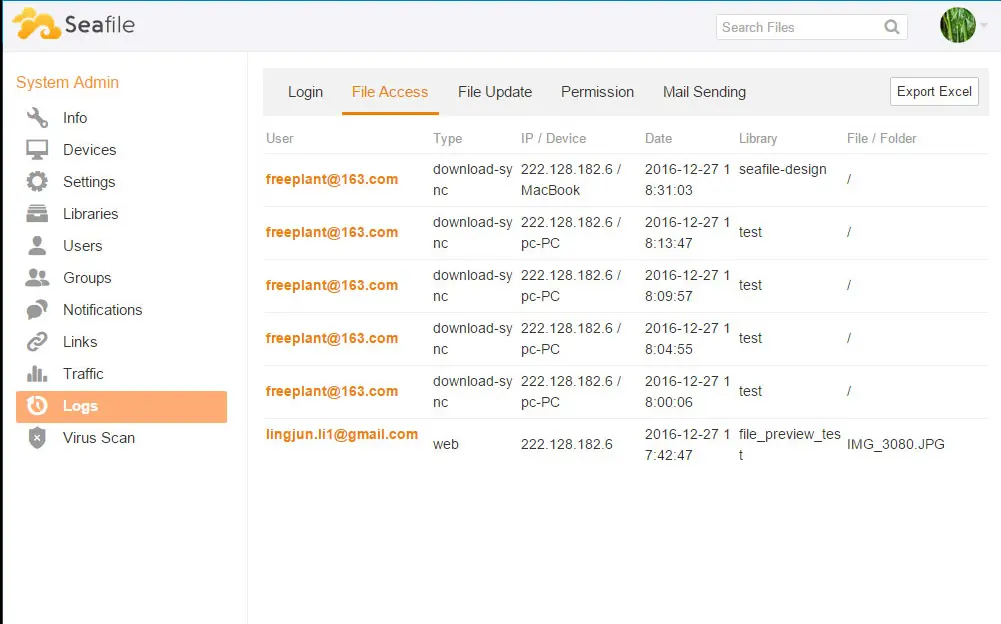
Right now, only Seafile offers multi-tenancy, so if you’re planning to host multiple organizations on your self-hosted file syncing instance, then Seafile is your only choice
It’s important to note when comparing Seafile vs NextCloud, that NextCloud can host multiple users on a single instance, which still works if you’d like to invite friends or family to use your self-hosted syncing solution. In this case, these users all share the same database, which doesn’t offer nearly the security and segregation of true multi-tenancy.
Which Dropbox Alternative Is Easiest To Install?
Let’s check the difficulty level installing each of these solutions on your VPS.
NextCloud
The prerequisites for installing Nextcloud is a LAMP or LEMP stack. If you have already configured a LAMP/LEMP stack, then you only need to create a database and tweak a few settings in PHP and Apache/Nginx to complete the NextCloud installation with ease. Check out our How To Install Nextcloud With Docker guide to install Nextcloud on your VPS.
Seafile
Seafile is written using Python, so you need both the Python libraries, along with a MySQL/MariaDB database, as prerequisites to install. Luckily, none of that is very complicated.
One advantage of Seafile is that the upgrade process is very smooth and easy. You can usually upgrade NextCloud via the built-in upgrader or the command line, but I’ve found that NextCloud is more likely to break if I have lots of apps enabled. I’ve had to fiddle around with the database, folder permissions, or web server settings on a few occasions.
Syncthing
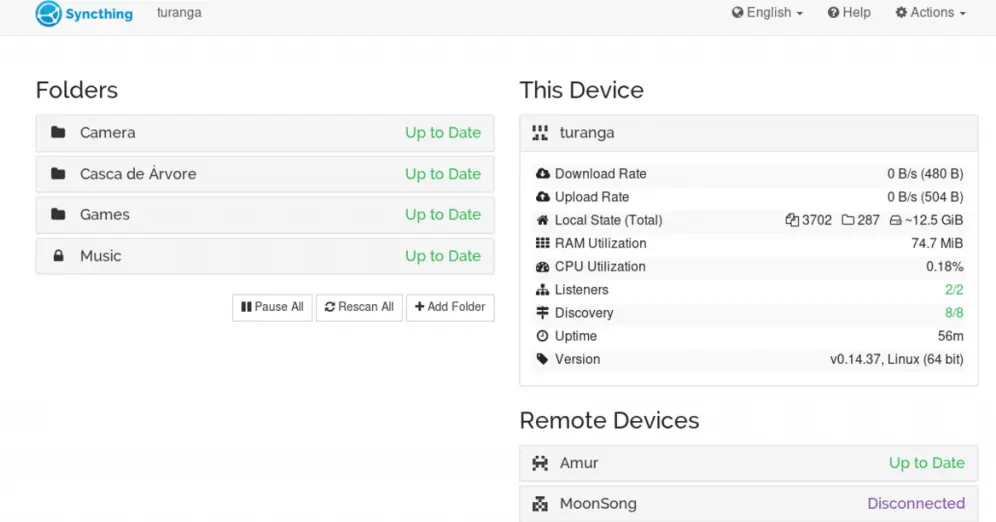
The Syncthing installation, outline in its documentation, is a bit different than the other two. Syncthing uses a single binary that you download and run from the command line on your VPS. That binary boots up Syncthing and a web server for you to access and configure which folders you want to share, and with which other machines.
OwnCloud
OwnCloud’s installation requirements are nearly identical to Nextcloud’s. Both need a LAMP or LEMP stack. Since OwnCloud is Nextcloud’s predecessor, the setup process is very similar. You’ll need to configure a database, adjust PHP settings, and set up your web server.
The main advantage with OwnCloud is that their enterprise documentation is more detailed for complex deployments, making it slightly easier if you’re setting up a large-scale multi-tenant environment. For basic installations, the complexity is identical to Nextcloud.
Seafile vs NextCloud vs Syncthing vs OwnCloud – Which Is The Best?
Choosing between these four solutions depends on your specific needs:
Choose Seafile if:
- You need the fastest file transfers and best performance
- You’re syncing large files regularly
- You want multi-tenancy support for hosting multiple organizations
- Performance is your top priority
Choose Nextcloud if:
- You need the broadest app ecosystem and integrations
- You want built-in collaboration tools (Talk, Calendar, Contacts)
- You value rapid feature development and an active community
- You’re comfortable with more frequent updates
Choose OwnCloud if:
- You want Nextcloud-like features with better long-term stability
- You’re running an enterprise environment requiring proven reliability
- You prefer fewer but more thoroughly tested updates
- You need strong enterprise support options
Choose Syncthing if:
- You want decentralized, peer-to-peer synchronization
- You don’t want to manage a central server
- Privacy and security without centralized dependencies are paramount
- You’re comfortable with a more technical, minimalist approach
Personally, I’m impressed with Syncthing’s decentralized approach. Not requiring a centralized server for storing and syncing data makes it more secure and minimizes privacy risks. You can still use your VPS as one of many destinations for your files without being forced to route all traffic through it.
For most users just starting with self-hosted storage, Nextcloud offers the best balance of features and ease of use. For enterprise deployments prioritizing stability, OwnCloud is the safer choice. For performance-focused teams, Seafile can’t be beat. And for privacy advocates, Syncthing’s peer-to-peer model is unmatched.