Looking for a DigitalOcean alternative? You're not alone. Many developers eventually search for VPS options with better pricing, more features, or specialized capabilities that DigitalOcean doesn't offer.
After extensive research comparing VPS hosting providers, we've identified the top alternatives that deliver solid performance without the premium price tag.

Best DigitalOcean Alternatives
- Best for Affordability: SSD Nodes
- Best for Experienced Developers: Akamai (Linode)
- Best for Customization: UpCloud
Why Consider DigitalOcean Alternatives?
DigitalOcean has been a developer favorite since 2011, especially after launching SSD-based virtual machines in 2013. It transformed how developers manage infrastructure by offering cloud hosting that doesn't require constant personal maintenance.
Still, users outgrow DigitalOcean for various reasons—better pricing, advanced automation features, improved functionality, and greater storage capacity are common motivations for switching away from DigitalOcean.
Since finding alternatives can be time-consuming, we did the research for you. Here's our shortlist of the best DigitalOcean alternatives that also offer VPS cloud hosting services.
Note: If you are looking for a comparison of other providers, check out DigitalOcean vs Linode vs Vultr.
VPS Hosting vs Traditional Web Hosting: What’s the Difference?
Before diving into alternatives, it’s worth understanding what makes VPS hosting different from traditional web hosting.
Traditional web hosting gives you a single server to host your project. It can either be dedicated (just for you) or shared (with other websites on the same server). With shared hosting, you’re stuck with fixed resources and limited control.
VPS hosting gives you a virtual private server with dedicated resources that won’t be affected by other users. You get root access, full control over your environment, and the ability to install whatever software you need.
The major advantage? More control and better performance.
VPS hosting also provides better security and more scalability overall. You can easily upgrade resources as your project grows, and you’re not sharing server space with potentially problematic neighbors.
1. SSD Nodes: Most Affordable DigitalOcean Alternative
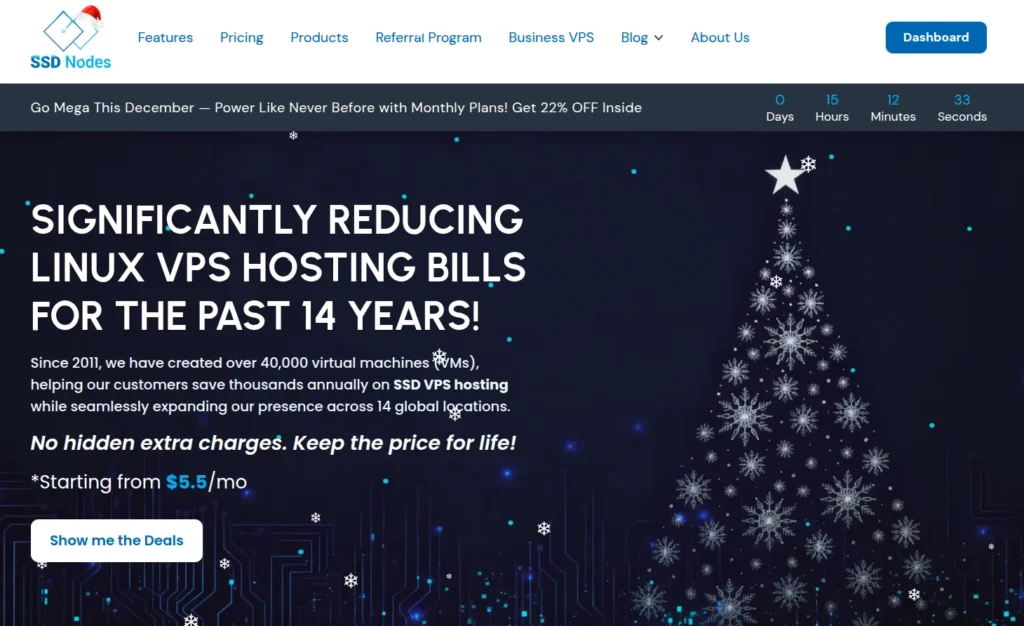
SSD Nodes VPS stands out as one of the best DigitalOcean alternatives, and yes, we're a bit biased—but the numbers speak for themselves.
Value for money is the headline here. SSD Nodes VPS is more affordable than DigitalOcean's Droplets. You get far more resources for your investment, and that applies to the other alternatives on this list too.
SSD Nodes' hosting options pack in features that ensure zero downtime during technical issues.
Security includes two-factor authentication, fraud protection, and an optional Advanced Firewall add-on delivering enterprise-grade network security through a simple dashboard. Key kernel optimizations boost overall speed. SSD Nodes' worldwide KVM-based platform spans 14 global server locations for excellent global performance.
Developers needing automation get an optional API add-on providing full programmatic control over VPS infrastructure. This enables automated server management, deployments, and CI/CD pipeline integration through standard REST endpoints.
The responsive customer support team answers questions in detail, usually within minutes.
SSD Nodes Pricing
SSD Nodes offers cloud-hosting SSD VPS plans for 8GB, 16GB, and 32GB, in addition to NVMe performance plans with 32GB, 48GB, and 64GB. Each includes:
- Intel Silver processors
- Enterprise NVMe SSDs in RAID 10
- 10Gbps network interfaces
- 14-day refund guarantee
- Multiple, redundant Tier-1 ISPs
- Root access and a dedicated public IP
- Support for Ubuntu, Debian, and Rocky Linux and many more
- Support for nested virtualization on Performance plans.
The plans include:
- $17.00 per month, $5.50 per month with 3-year commitment: 8GB RAM, 160GB NVMe SSD, 2 vCPU, and 4TB transfer
- $28.00 per month, $9.42 per month with 3-year commitment: 16GB RAM, 320GB NVMe SSD, 4 vCPU, and 8TB transfer
- $33.00 per month, $11.08 per month with 3-year commitment: 32GB RAM, 480GB NVMe SSD, 8 vCPU, and 16TB transfer
Prices drop significantly with yearly commitments and hit their lowest with three-year plans. The $17 monthly option becomes just $198 for three years—that's $5.50 per month. The 16GB plan is $339 for three years ($9.42/month), and the 32GB plan is $399 for three years ($11.08/month). Automated daily backups are available for an additional monthly fee depending on your plan.
Optional add-ons: API automation access for $2/month and Advanced Firewall protection for $2/month per server.
Pros & Cons of SSD Nodes
Pros:
- Exceptional affordability with long-term savings up to 85% compared to competitors
- NVMe storage delivers faster read/write speeds than standard SSDs
- Optional API automation for DevOps workflows and CI/CD integration
- Advanced Firewall add-on for enterprise security without SSH configuration
- Nested virtualization support for running VMs inside your VPS
- Proprietary Vippy technology optimizes performance
- Easy sign-up with straightforward control panel
- Responsive support team with quick response times
Cons:
- No managed services (databases, load balancers, Kubernetes)
- Requires basic server management knowledge
2. Akamai (Linode): DigitalOcean Alternative for Experienced Developers
Akamai, formerly known as Linode, provides cloud hosting for customers worldwide with data centers in America, Europe, and Asia.
Akamai takes a simplified approach compared to most competitors. It offers cloud server storage for Linux-based systems across various popular distributions.
The cloud hosting dashboard is one of the simpler options available. Users can quickly deploy powerful cloud servers using native SSD storage on a high-performance network with modern processors.
Akamai: Pricing
Akamai offers shared, dedicated CPU, high memory, and GPU plans through a comprehensive pricing system. Shared plan examples:
- $5 per month: 1 CPU, 1 GB RAM, 25 GB SSD, and 1 TB transfer
- $12 per month: 2 CPUs, 2 GB RAM, 50 GB SSD, and 2 TB transfer
- $48 per month: 4 CPUs, 8 GB RAM, 160 GB SSD, and 5 TB transfer
- $96 per month: 6 CPUs, 16 GB RAM, 320 GB SSD, and 8 TB transfer
- $192 per month: 8 CPUs, 32 GB RAM, 640 GB SSD, and 16 TB transfer
A three-year commitment for an 8GB server totals $1,728.
Other plans start at $30 monthly for dedicated CPU, $60 monthly for high memory, and higher pricing for GPU plans.
Pros & Cons of Akamai
Pros:
- Modern dashboard with straightforward permission settings
- Global data center network delivers content worldwide
- Integrates with popular applications like WordPress and GitLab
- Choice between block and object storage with regular backups
Cons:
- Higher pricing compared to budget alternatives
- Interface can be complex for beginners
- Premium features add up quickly for long-term use
3. UpCloud: DigitalOcean Alternative for Customization

UpCloud has operated since 2011, just like DigitalOcean. It offers highly customizable cloud hosting for enterprises and individual developers.
The company maintains offices in multiple countries with data centers across North America, Asia, and Europe. Services include cloud hosting, block storage, and software-defined networking.
UpCloud provides online customer support with quick response times. Beyond live chat, support runs 24/7 through email and phone. Detailed tutorials fill their documentation and community sections.
Security measures include two-factor authentication and customizable system privileges. The customizable firewall lets you set rules as needed.
UpCloud: Pricing
UpCloud offers simple and flexible pricing plans. Simple plans provide pre-configured resource combinations. Flexible plans let you create custom combinations of CPU, RAM, and storage.
Unlike some competitors, UpCloud charges per hour of usage. Turn servers off for an hour or two and you won't pay for that time. Hourly pricing gets billed monthly through credits representing real currency linked to your account for UpCloud products and services.
Simple pricing plan examples:
- €7/mo: 1 GB RAM, 1 CPU, 25 GB storage
- €26/mo: 4 GB RAM, 2 CPU, 80 GB storage
- €192/mo: 32 GB RAM, 8 CPU, 640 GB storage
Flexible plan pricing depends on your parameter combination. Paid backups and extras like custom images, firewall, and floating IP are available.
Pros & Cons of UpCloud
Pros:
- Supports both Windows and Linux OS
- Hourly billing means you only pay for active server time
- Choice between simple pre-configured and flexible custom plans
- Comprehensive security mechanisms
Cons:
- Hourly billing can make cost estimation tricky
- Premium for high-performance features
- Less beginner-friendly than some alternatives
- Community credits system may not appeal to everyone
Comparison Overview: DigitalOcean Alternatives
Here's a quick comparison of these three cloud hosting providers:
SSD Nodes
- RAM: 8GB
- CPU: 2 vCPU
- Storage: 160GB NVMe SSD
- Transfer: 4 TB
- Price: $5.50/month with three-year commitment ($198 total)
- Support: Ubuntu, Debian, Rocky Linux
- Add-ons: API automation ($2/mo), Advanced Firewall ($2/mo)
Akamai (Linode)
- RAM: 8 GB
- CPU: 4 vCPU
- Storage: 160 GB SSD
- Transfer: 5 TB
- Price: $48/month ($1,728 for three years)
- Support: Various Linux distributions
UpCloud
- RAM: 4 GB
- CPU: 2 vCPU
- Storage: 80 GB
- Transfer: 4 TB
- Price: $20/month
- Support: Windows and Linux
This overview shows how these three providers stack up. The comparison should help you determine which option suits you best.
When it comes to performance versus affordability, SSD Nodes has the upper hand.
SSD Nodes aims to provide reliable and cost-effective VPS cloud hosting to everyone. If you want to compare VPS hosting solutions in more detail, check out our comprehensive article on the subject.
Looking for the best value for money? SSD Nodes will definitely live up to your expectations.